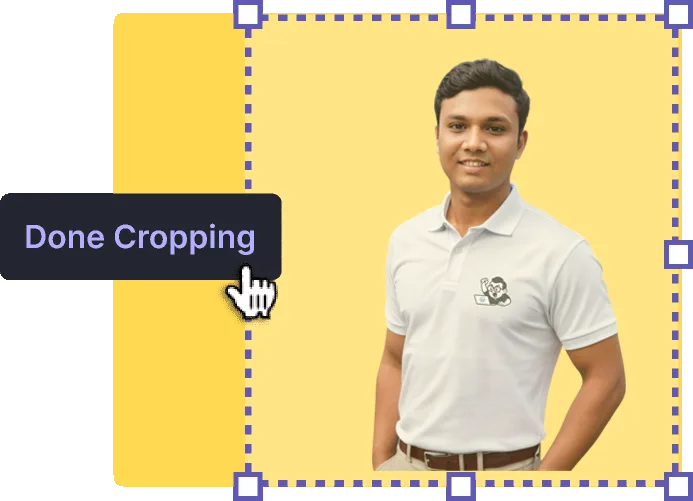
This tool helps you crop, resize, watermark, and download images perfectly for various social media and branding needs. Here's a quick guide to get started:
📤 1. Upload Your Image
Click the "Upload Image" button.
Choose any image from your device.
The image will load in the cropping area instantly.
✂️ 2. Crop & Adjust
Drag to move and resize the crop box to select your desired area.
Use the control buttons:
🔄 Rotate – Rotate the image.
🔍 Zoom In/Out – Adjust zoom level.
♻️ Reset – Reset image and crop area.
📐 3. Choose Output Resolution
Select a preset resolution based on your need:
Instagram Reels / WhatsApp Stories – 1080×1920 px
Profile Picture – 400×400 px
YouTube Thumbnail – 1280×720 px
Company Logo – 300×300 px
👉 You can also enter custom width & height if you want full control.
💧 4. Add a Watermark (Optional)
🔤 Text Watermark – Type your brand name or signature.
📎 Image Watermark – Upload your logo.
🎨 5. Download and Save
Click "Download" to save your final image.
📝 Tips
For best results, upload high-resolution images.
Use watermark to protect your brand or claim authorship.